
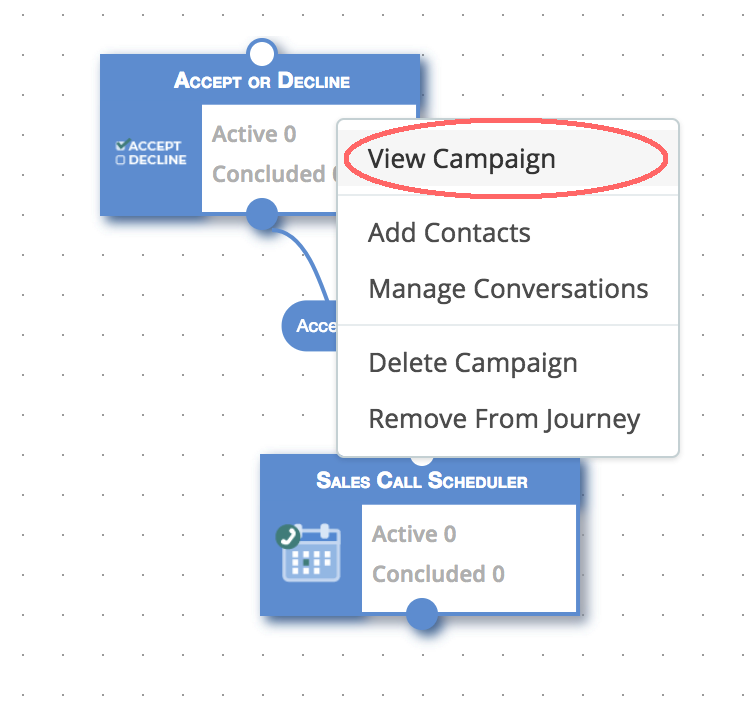
To edit campaigns in a journey simply double click on the widgets or right click and select "View Campaign".
Optional Messages
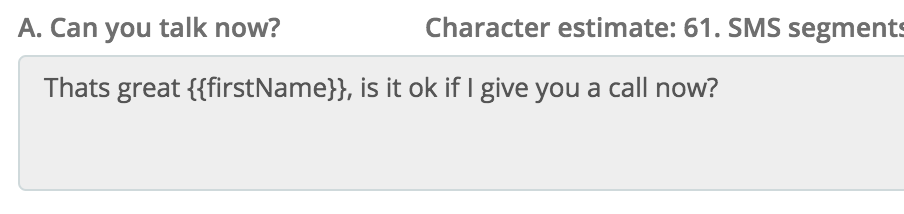
When a campaign is part of a journey the draft page will show some additional "On/Off" toggle buttons next to optional messages. This allows you to create a more streamlined experience for the users. For example, if we have a journey with a "Accept/Decline" campaign linked to a "Sales Call Scheduler" campaign we can disable the default "Accept" reply message and just link directly to the first message of the "Sales Call Scheduler" campaign.
Example Accept/Decline


Example Sales Call Scheduler
Comments
0 comments
Please sign in to leave a comment.