
When you have a waiting room or many waiting rooms in a journey, sometimes it's not practical to wait the whole 'Waiting Room' time in order to test the flow of your campaign. The fast forward messaging option will skip the waiting rooms and move your test contact to the next campaign in minutes.
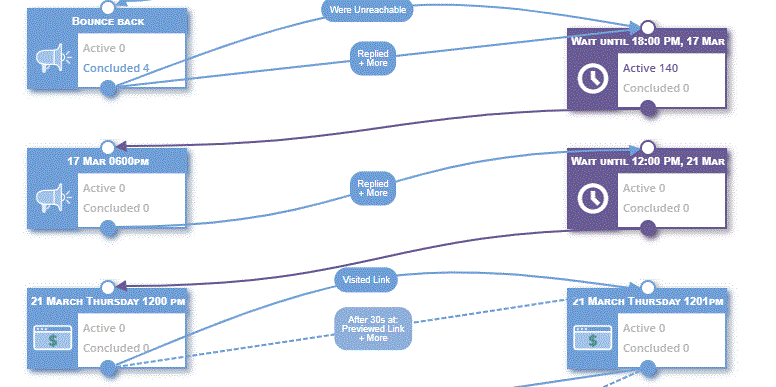
Please follow the below steps to add use fast forward when adding a contact to a journey.
- Add the test contact to the first campaign of the journey.
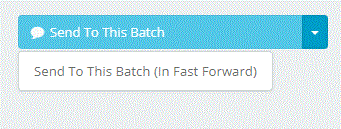
- Go to the drop-down on the right side of the "Send to this batch" button.
- Click the button "Sent to this batch (In fast forward)"
Comments
0 comments
Please sign in to leave a comment.